YOUR LABEL. YOUR CARRIER.
USPS UPS FedEx + Amazon QR returns
where available
Three ways to
get it moving.
Start in the OMGshipper app.
Choose the service available near you.
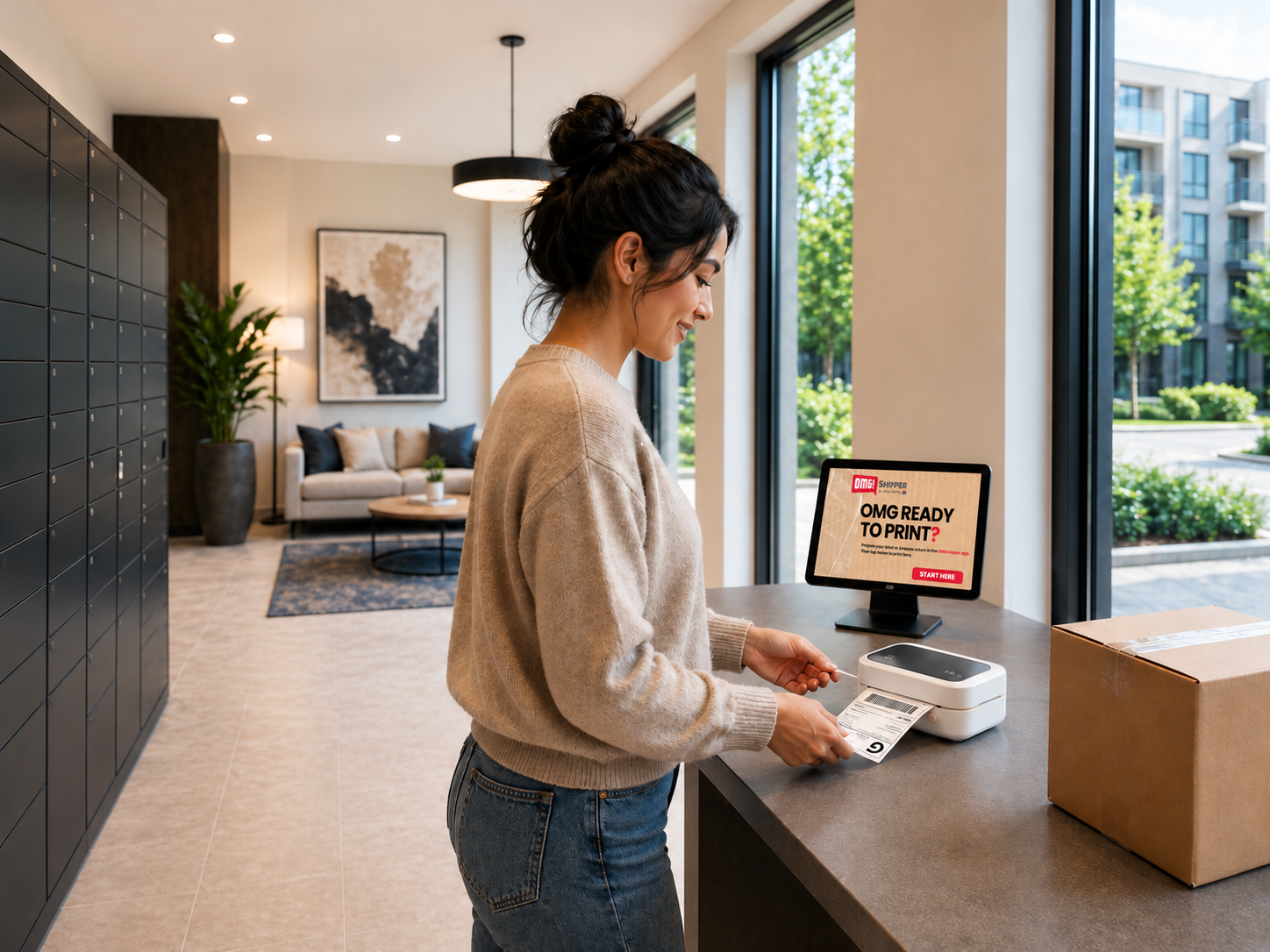
01 / NO PRINTER? NO PROBLEM.
Print Nearby
No printer at home? Print shipping and prepaid return labels at a participating OMGshipper tablet.
Available in select cities and properties.
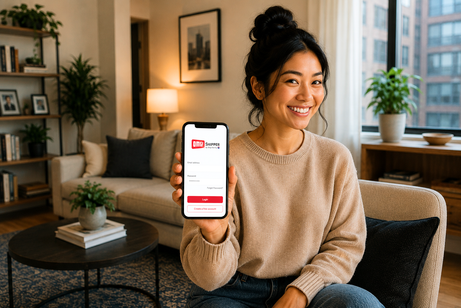
02 / WE COME TO YOU.
Send a Driver
A vetted local transportation company brings the printer and takes your package to the carrier.
Mobile pickup in Minneapolis–St. Paul.
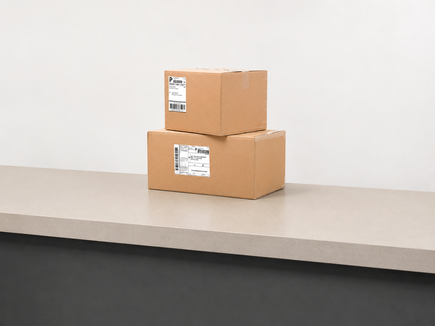
03 / YOUR RETURN IS READY TO LEAVE.
Amazon QR Returns
Skip the trip to UPS with eligible Amazon QR returns. Choose scheduled pickup at a participating apartment building or pickup at home if you don’t live in an apartment.
Check the app for availability.
START IN THE APP. FINISH WITH A LITTLE MORE FREE TIME.
From “I’ll do it later”
to “done.”
01 /
Start in the app
Create a shipping label or upload your prepaid USPS, UPS, or FedEx 4 × 6 PDF label.
02 /
Print it nearby
Go to a participating OMGshipper tablet, enter your print code, and attach the printed label to your sealed package.
03 /
Send it on its way
Take it to a drop-off that accepts your carrier, or use your building’s designated outgoing area if permitted.
Onsite drop-off varies by property. Check your building’s package drop-off policy.
01 /
Get your label ready
Create or upload a supported shipping label in the app. Pack and seal your package.
02 /
Send a Driver
Choose mobile print and pickup where available. A vetted local transportation company prints and attaches your label at pickup.
03 /
Get on with your day
Your driver takes the package to a drop-off location that accepts the carrier shown on your label.
Check the app for pickup availability and pricing.
01 /
Upload. Pack. Seal.
Upload eligible Amazon return QR codes in the app. Pack each item in a box or mailing bag and seal it, including “No Box, No Label” returns.
02 /
Choose your pickup option
At a participating apartment building, use batch pickup on scheduled days of the week. If you don’t live in an apartment, request pickup by a vetted local transportation company where available.
03 /
Get your returns moving
For building pickup, print and attach OMGshipper labels and leave returns in the designated area before the cutoff. For pickup at home, the vetted transportation company prints the labels and collects your sealed returns. Returns go to UPS.
Check the app for eligibility, pickup days, and cutoff times. Returns left after the cutoff roll to the next scheduled pickup day.
CONVENIENCE WITH VISIBILITY.
Your package moves.
You stay in the loop.
Every OMGshipper pickup includes a documented chain of custody, so you can follow each handoff.
LESS DRIVING. FEWER ERRANDS. MORE TIME FOR YOU.
Here’s what residents
and people are saying.
“Less stops after work – whoop whoop!”
Shaelyn M.
“Save me so much time and energy!”
Ashley F.
“It will make selling on Facebook Marketplace easier.”
Riley M.
FOR APARTMENT PROPERTIES AND THEIR RESIDENTS.
Residents get convenience.
Properties get more.
Turn everyday shipping and returns into an amenity at your apartment property.
Residents get one less errand.
Print labels onsite and use available pickup options—including Amazon QR returns where offered.
Properties get an amenity that stands out.
Add everyday convenience with a small footprint and virtually no daily staff involvement.
Properties get revenue share.
Earn a share of label-printing revenue with zero-cost setup.
Drop-off and Amazon QR pickup options vary by property.
Powered by Ship Thrifty. Since 2017.
© 2026 OMGshipper by Ship Thrifty, LLC.